
HOW ONLINE CARE WORKS
Your appointment,
step by step.
A little preparation helps you make the most of your time with the doctor.
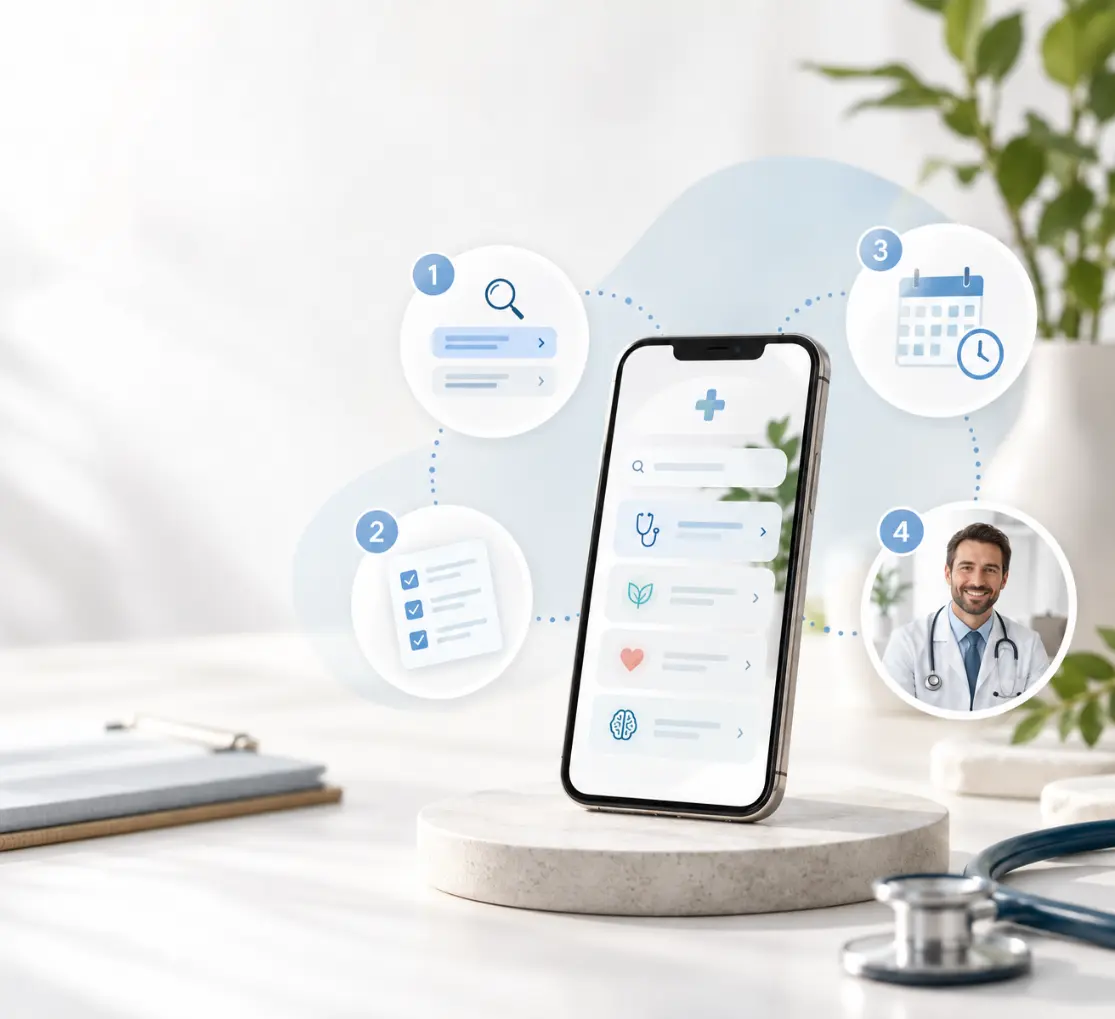
01
Choose the right service
Read the service description, price and appointment format. If you are unsure, contact Medibem before booking.
02
Complete your questionnaire
Complete the questionnaire on your chosen service page and save your answers. Some answers or missing measurements pause automatic booking and show instructions to contact Medibem for a clinician’s review. Screening does not diagnose a condition or approve treatment.
03
Choose an appointment
When the questionnaire allows you to continue, select an available time in Vello using the same name, email address and telephone number. Complete Vello’s confirmation. If you are asked to contact the clinic, follow those instructions before booking. Saving a questionnaire alone does not reserve an appointment or arrange a callback.
04
Meet your doctor
Use the consultation format specified for your service. Explain your concerns, ask questions and agree on a plan with your doctor.
GOOD TO KNOW
Before you get started
Can every concern be treated online?
No. Your doctor may recommend a physical examination, laboratory tests or another service when remote care is not suitable.
Does booking guarantee a prescription?
No. Prescriptions and certificates are issued only when clinically appropriate after the doctor's assessment.
What do I need for a video appointment?
A device with a working camera and microphone, a reliable internet connection and a quiet, private place. Follow the joining instructions provided for your appointment.
How do I cancel?
Use the instructions in your Vello booking confirmation. Cancellation availability and any charges are governed by the terms shown at booking. Contact Medibem if you need assistance.
Where should I send medical information?
Complete the questionnaire on your service page. Medibem saves it separately from your Vello booking for appointment preparation. Do not send personal identity numbers, medical photos or detailed health records to the general contact email. Follow your doctor’s instructions for any additional documents.
What if I need urgent help?
Online appointments are for non-emergency care. In an emergency, call 112.